Each combo can provide different advantages in various situations. The choice is left to the user, who will determine their own strategy.
To create a combo, you need to swipe the adjacent cells containing power-ups with each other. This activates the combo. Afterward, specific mechanisms for each combo come into play. I will explain the principles of how combos work in detail below.
1. Propeller - Propeller Combo (Propeller Trio)

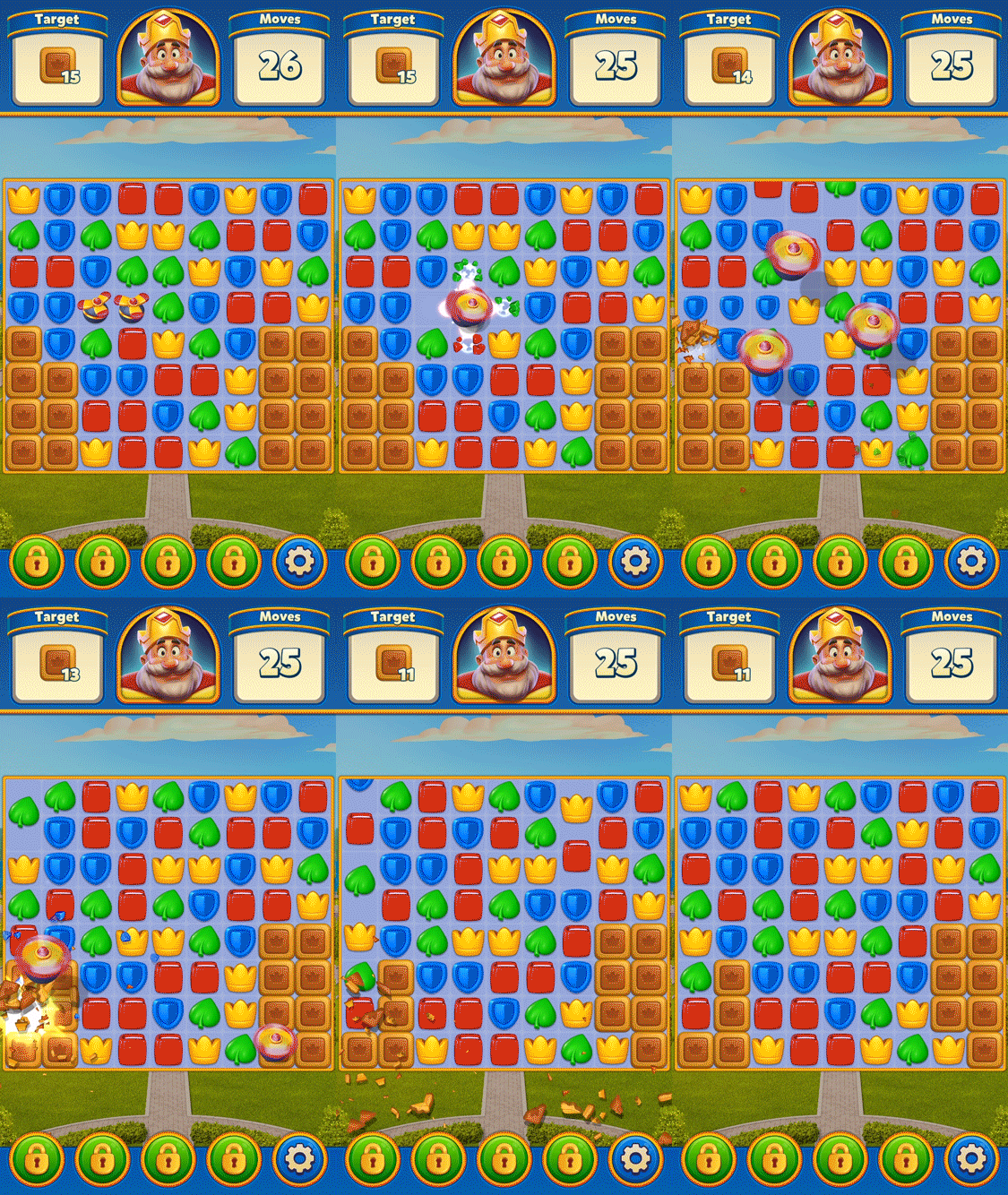
When you create a combo with two propellers, firstly, as in the normal operation of a propeller, it clears the cells above, below, to the left, and to the right of the matched cell. Then, it takes off as three separate propellers to break obstacles in its path.
2. Propeller - TNT Combo
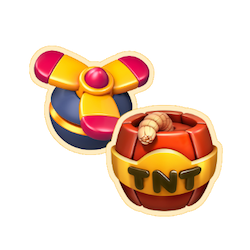
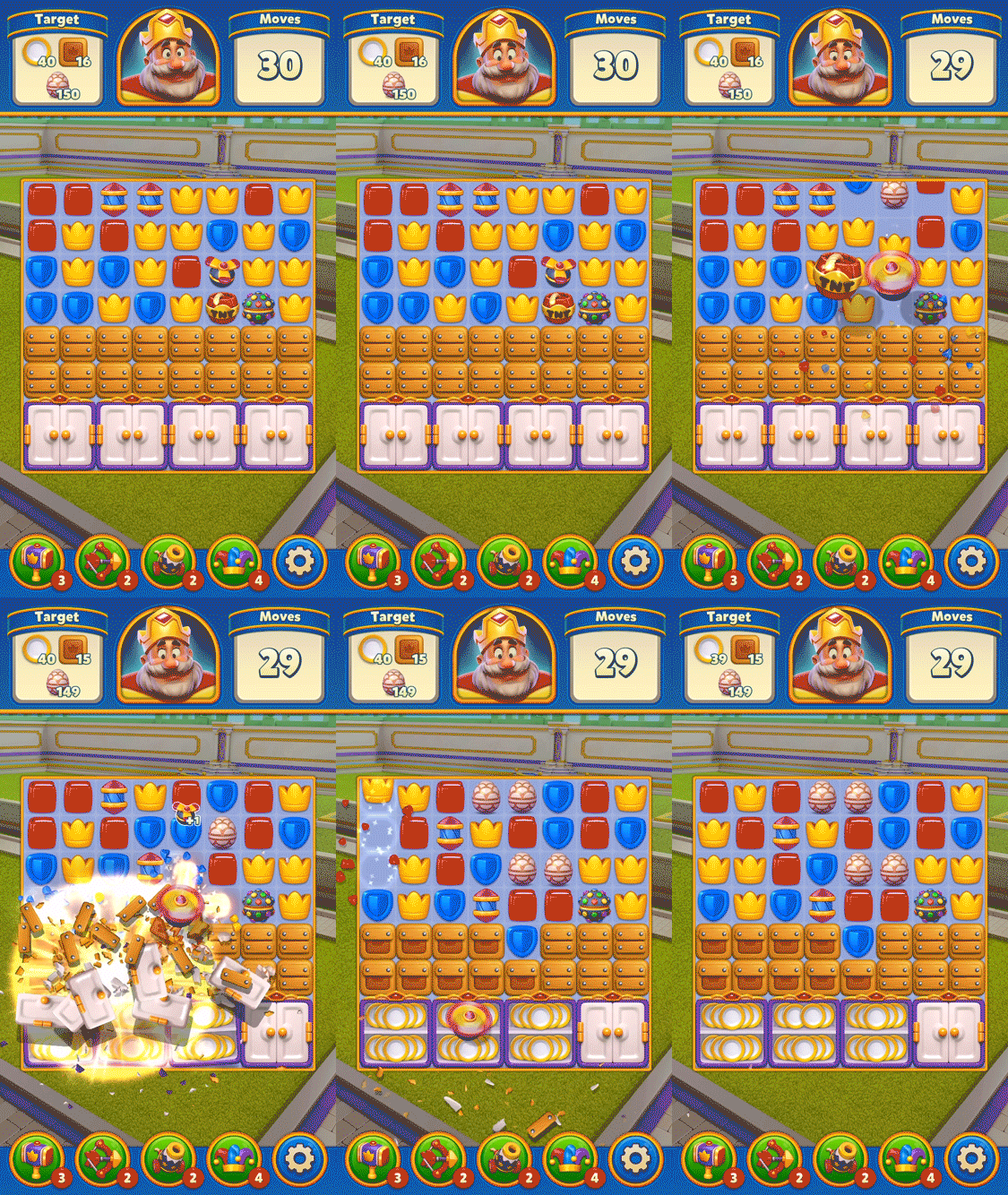
This is one of the most effective combos. In situations where obstacles are particularly concentrated in a specific area, it becomes a powerful weapon that users can send right to the heart of the obstacles. It greatly advantages the game.
3. Propeller - Light Ball Combo

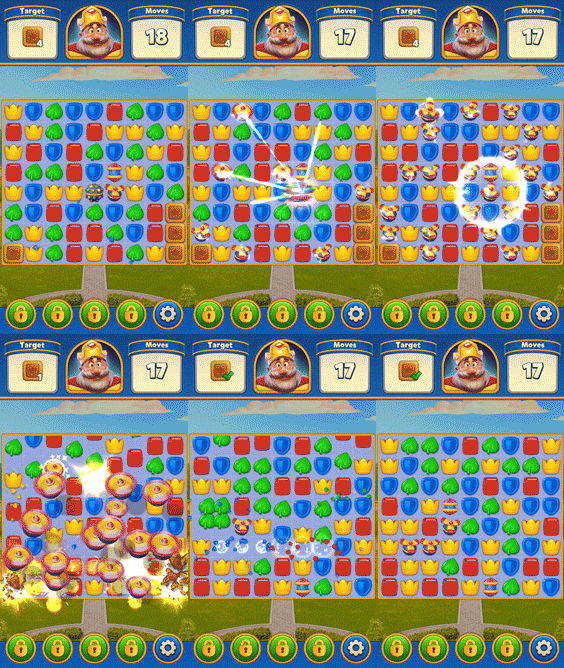
Creating a combo with the propeller and the light ball results in a highly target-oriented mechanism. The Light Ball transforms the maximum number of items on the board into propellers, and then the propellers take off towards their targets.
There's a unique aspect with the propellers in this combo. They don't affect neighboring cells while in flight, giving the sensation that the particle effect they create won't spread. This may seem disadvantageous to the user, but if there are different power-ups on the board, it prevents them from activating unintentionally. In such a scenario, the behavior of the propellers in this combo becomes an advantage.
4. Propeller - Rocket Combo

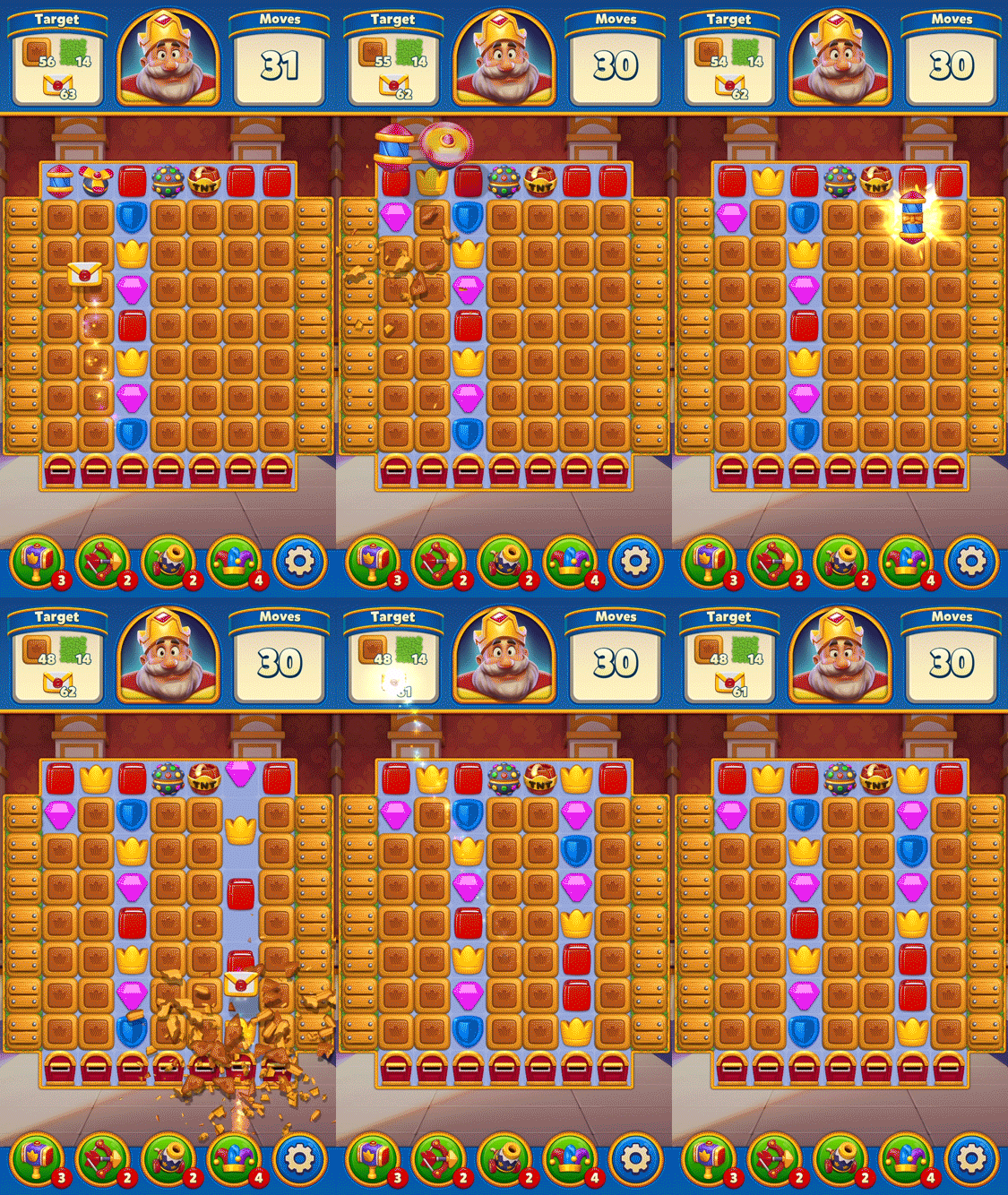
In this combo, if the Rocket is oriented horizontally, the propeller will take the Rocket to the row with the most obstacles.
If the Rocket is oriented vertically, the propeller will take the Rocket to the column with the most obstacles.
5. TNT - Light Ball Combo
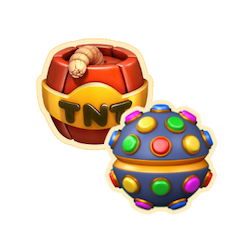
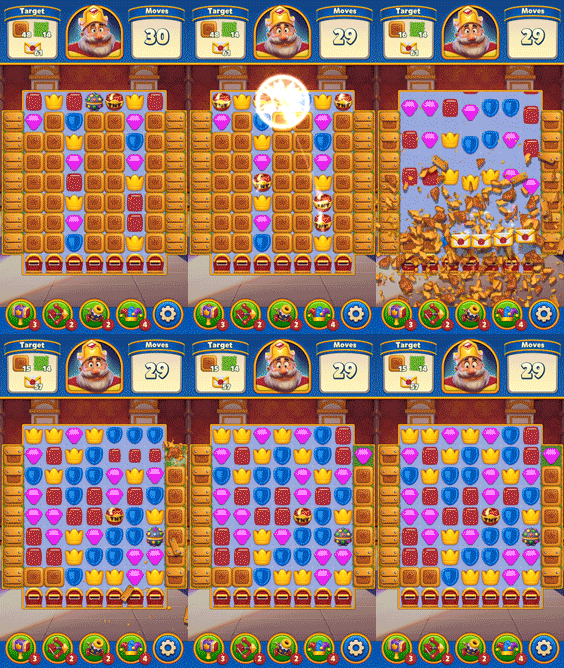
In this combo, the Light Ball converts the most numerous items into bombs, and all the bombs detonate simultaneously.
6. TNT - Rocket Combo
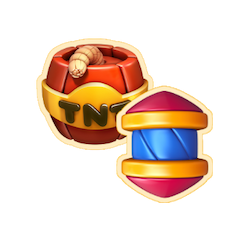
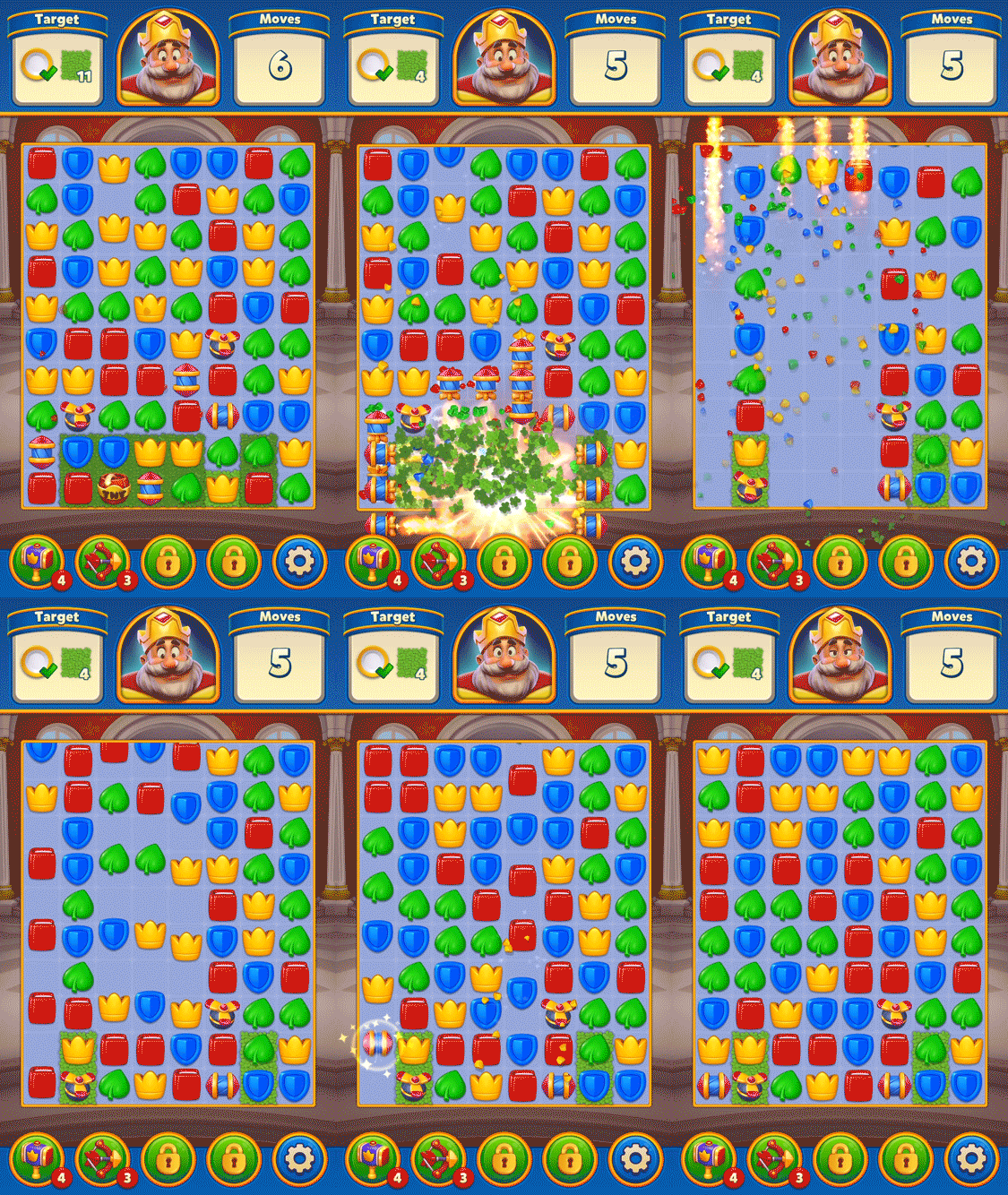
In this combo, rockets are sent horizontally in three rows and vertically in three columns from the cell where the combo is created.
7. TNT - TNT Combo (Mega TNT)
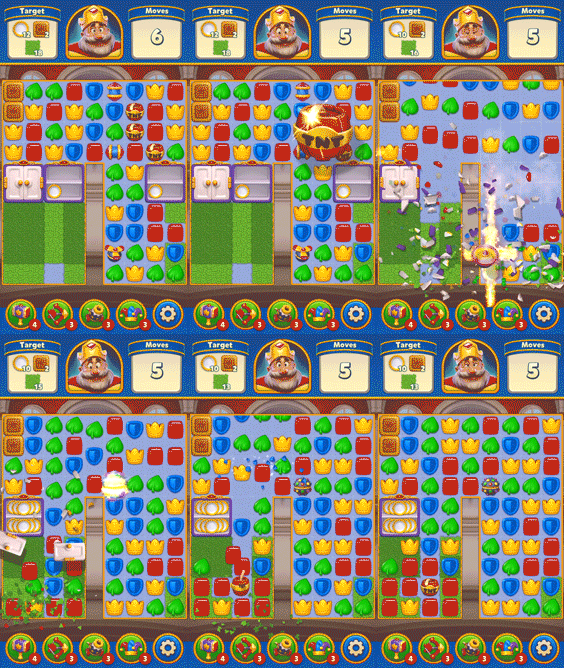
In this combo, the TNT affects a larger area in the form of a 9x9 frame.
8. Rocket - Light Ball Combo
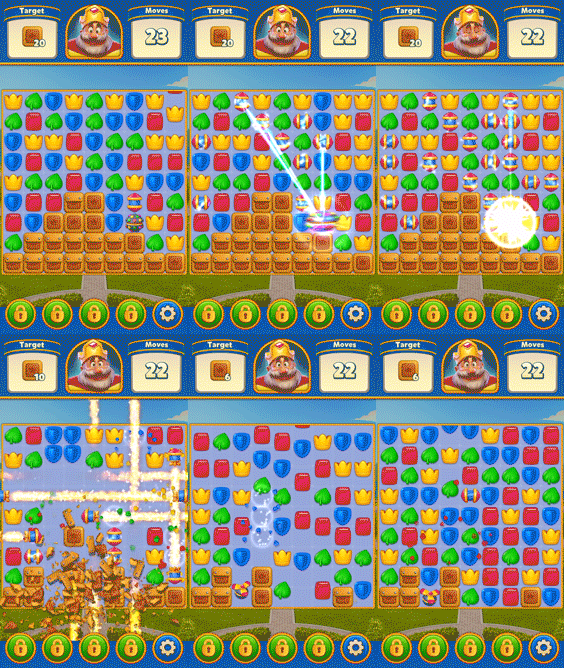
In this combo, the Light Ball transforms the most numerous items of the same color on the board into rockets. The rockets do not activate simultaneously. They activate asynchronously, and the order of their creation does not matter when they do so.
9. Rocket - Rocket Combo

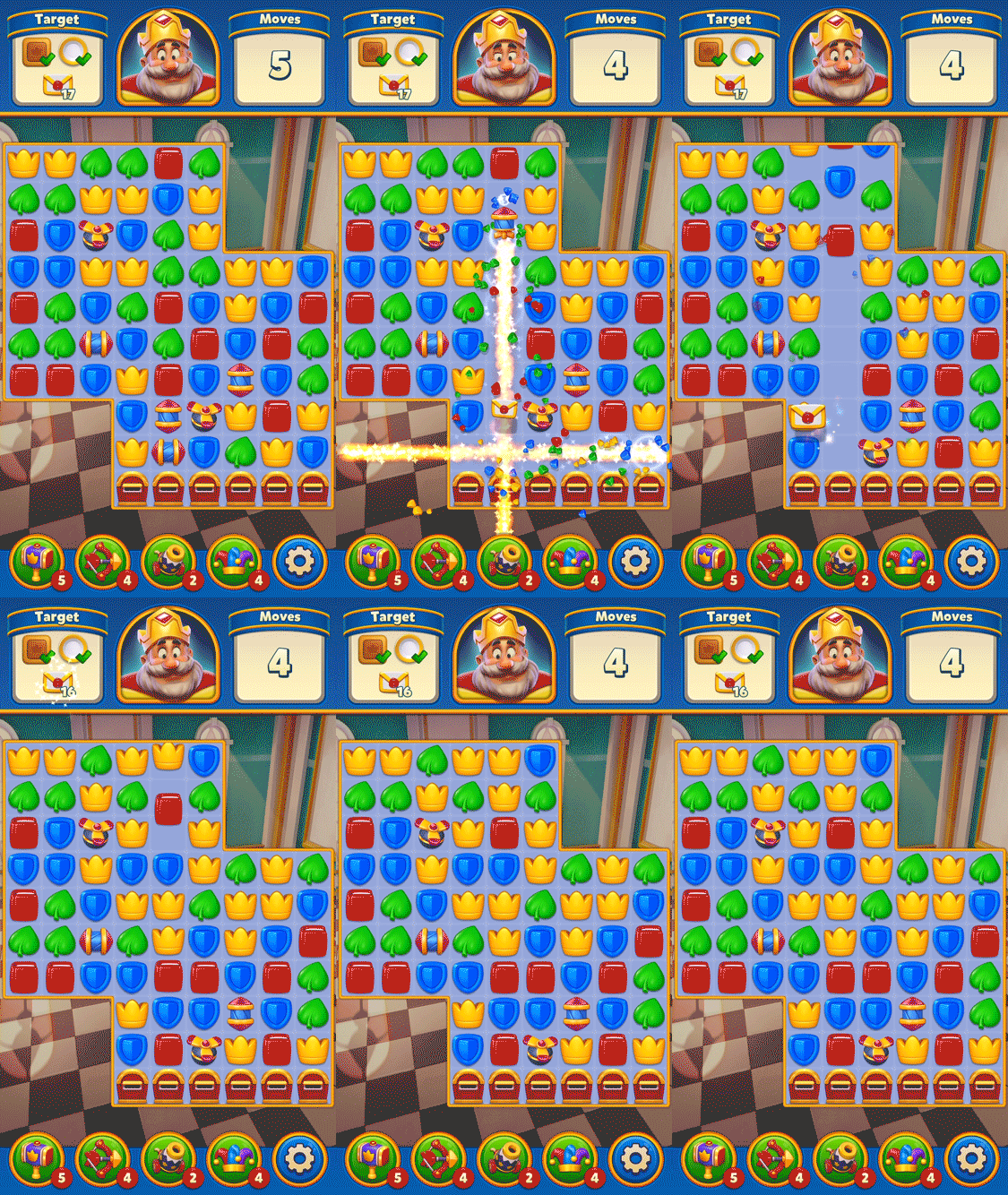
Starting from the cell where the combo is created, two rockets move horizontally and vertically in this combo.
10. Light Ball - Light Ball Combo
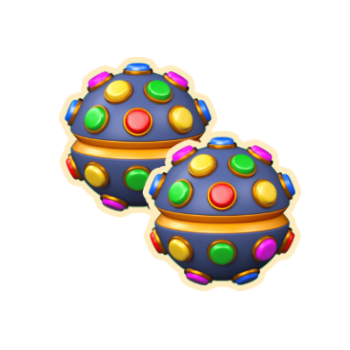
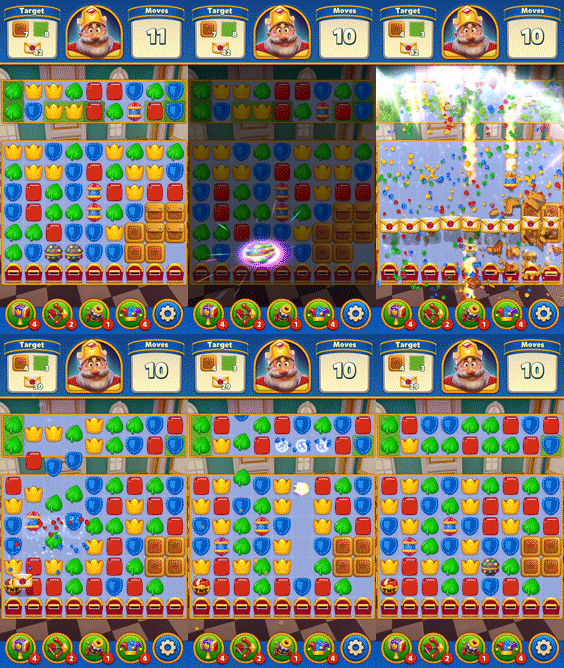
When two Light Balls combine, they create a wave that clears the entire board.